COGNEX
Vision & code readers
VisionPro ViDi / VisionPro Deep Learning
- Type
- PC-based vision software
- Technology
- Learning-based localization, analysis, classification and OCR
- Requirements
- Version, licence, GPU, training and validation data
Price, supply and delivery are confirmed after checking the exact model.
PRODUCT OVERVIEW
Introducing VisionPro ViDi / VisionPro Deep Learning
PC-based deep-learning vision software for appearance variation and defect recognition. Review training/validation data, PC/GPU requirements and licensing together.
PRODUCT FEATURES
Features & configuration
01Design signal and communication interfaces linking inspection results to machine actions.
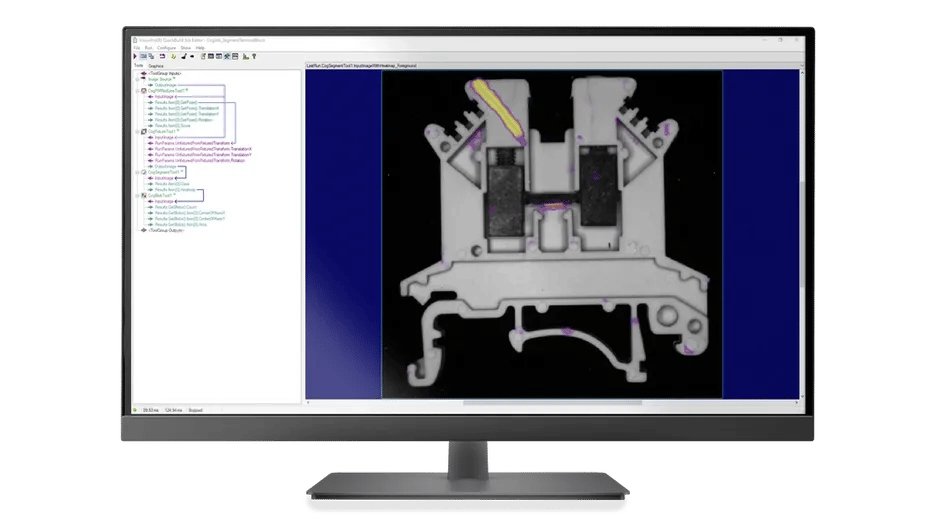
Locate the part before checking the defect region
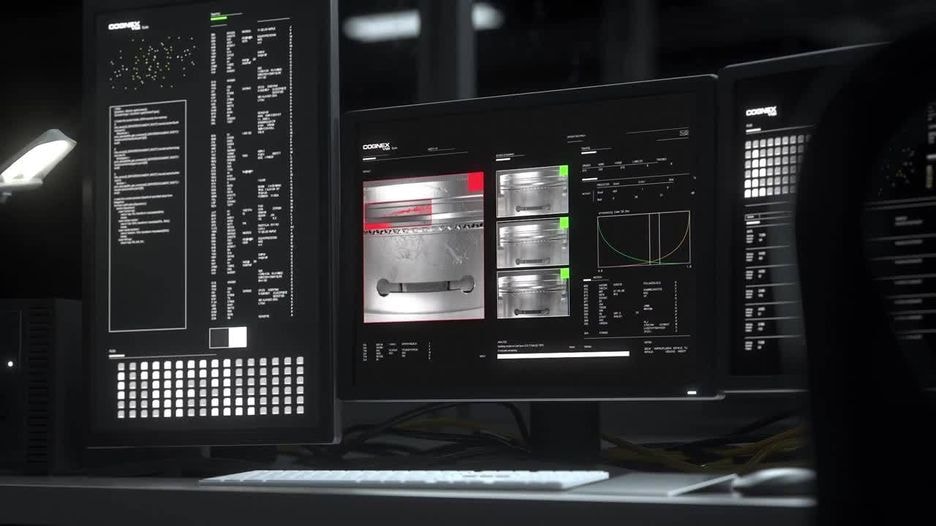
Use the coordinates from Blue Locate to move the inspection region with the part. Evaluate Red Analyze for scratches or assembly defects using validation images separate from the training samples.
Feature reference · COGNEX
- Training images
- Blue Locate and Red Analyze
- Defect location and result
- Type
- PC-based vision software
- Technology
- Learning-based localization, analysis, classification and OCR
- Requirements
- Version, licence, GPU, training and validation data
SPECIFICATIONS & SELECTION
Specifications & selection
Read model scope, units and conditions together with the values.
Manufacturer performance specifications
| Tool | Output |
|---|---|
| Blue Locate | Feature location and orientation |
| Red Analyze | Defect region detection and analysis |
| Green Classify | Image classification into learned classes |
| Blue Read | Character location and recognition |
How to read the performance figures
For example, Blue Locate can find a part and move the inspection region before Red Analyze runs. Use a held-out image set to measure missed defects and false rejects separately. Measure processing time with the intended image size, tool chain and GPU.
- Training and validation data
- Include product and lighting variation in training data. Keep separate capture periods or production batches for validation and inspect failure groups before extending the training set.
- Decision threshold and processing time
- Set thresholds against allowed missed defects and false rejects. Measure continuous inspection throughput with the selected GPU and input resolution.
Performance reference · Cognex · VisionPro Deep Learning 3.3 User Documentation
| Item | Specification |
|---|---|
| Type | PC-based vision software |
| Technology | Learning-based localization, analysis, classification and OCR |
| Requirements | Version, licence, GPU, training and validation data |
Reference: COGNEX · Checked 2026-10-27
What to check before selecting
- Use actual samples and defect criteria to assess field of view, lens/lighting, working distance and triggering.
- Resolution alone does not determine detection performance. Test minimum feature size, motion, exposure, processing time and PLC integration.
DOWNLOAD CENTER
Resources
Manufacturer catalogues, manuals and 2D/3D drawings.
Loading documents…
EXPLORE PRODUCTS
Explore related products