COGNEX
Vision & code readers
In-Sight D900
- Type
- Deep-learning smart camera
- Engineering environment
- In-Sight ViDi · check firmware support
- Application checks
- OCR, defect detection, classification and training samples
Price, supply and delivery are confirmed after checking the exact model.
PRODUCT OVERVIEW
Introducing In-Sight D900
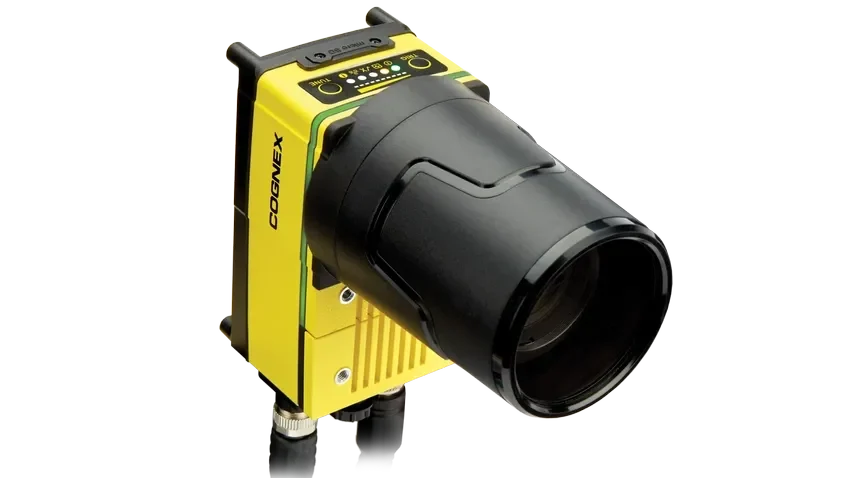
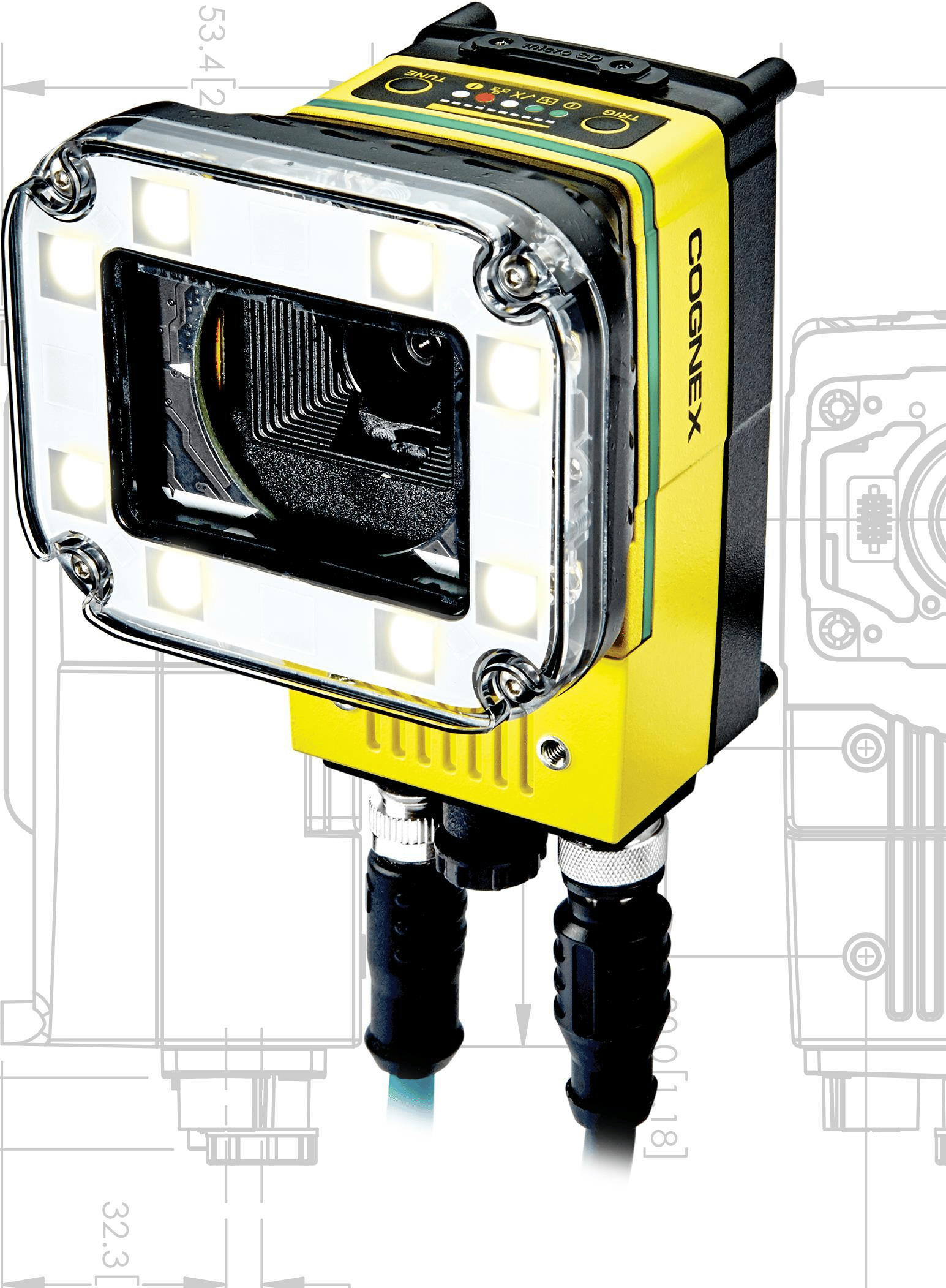
Smart vision system integrating deep learning in the camera. Review training/inference conditions for OCR, defect detection and classification; distinguish its engineering environment from conventional In-Sight Explorer systems.
PRODUCT FEATURES
Features & configuration
01Design signal and communication interfaces linking inspection results to machine actions.
Inspect text, assembly and appearance on the camera
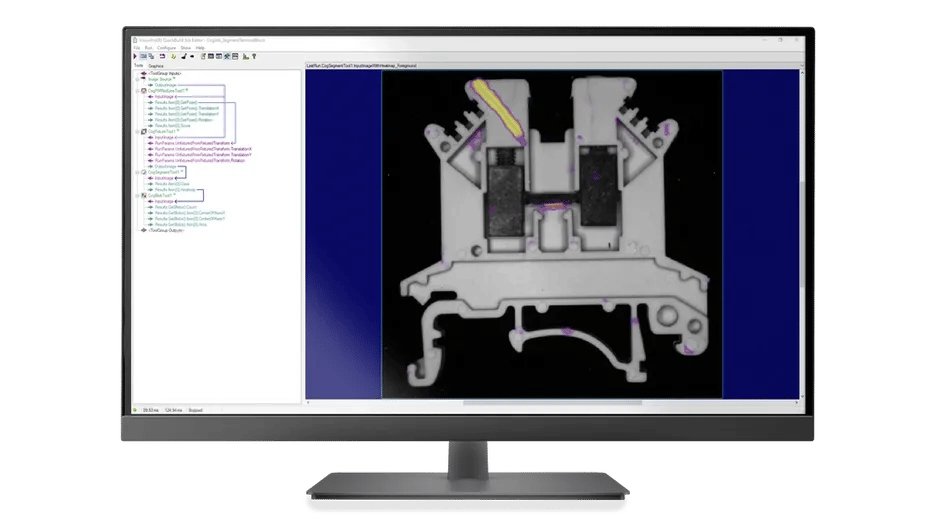
On-camera learning tools can check hard-to-read text, missing assembly parts or defects that vary in appearance. The ViDi and ViDi EL tool sets depend on the camera order code, so match it to the inspection task.
Feature reference · COGNEX
- Part image
- D900 learning tools
- Text and pass/fail result
- Type
- Deep-learning smart camera
- Engineering environment
- In-Sight ViDi · check firmware support
- Application checks
- OCR, defect detection, classification and training samples
SPECIFICATIONS & SELECTION
Specifications & selection
Read model scope, units and conditions together with the values.
Manufacturer performance specifications
| Model | Resolution (px) | Image type | Max. acquisition (fps) |
|---|---|---|---|
| D902 | 1,920 × 1,200 | Monochrome | 51 |
| D902C | 1,920 × 1,200 | Color | 34 |
| D905 | 2,448 × 2,048 | Monochrome | 26 |
| D905C | 2,448 × 2,048 | Color | 16 |
How to read the performance figures
D902 and D905 are monochrome and the C suffix denotes color. Maximum fps assumes minimum exposure, a dedicated trigger and no user interface connection. Measure actual OCR or defect decision time with the configured tool and region.
- Field of view and feature size
- Divide the field width by the horizontal pixel count to estimate object size per pixel. Verify detection margin with production samples using the intended lens, working distance, contrast and motion.
- Acquisition speed and decision time
- Maximum frame rate describes image acquisition under specified conditions. Allow for exposure, tool execution and PLC result transfer when checking the required decision time.
Performance reference · Cognex · In-Sight ViDi AcquireImage / D900 Series Reference Guide
| Item | Specification |
|---|---|
| Type | Deep-learning smart camera |
| Engineering environment | In-Sight ViDi · check firmware support |
| Application checks | OCR, defect detection, classification and training samples |
Reference: COGNEX · Checked 2026-10-27
What to check before selecting
- Use actual samples and defect criteria to assess field of view, lens/lighting, working distance and triggering.
- Resolution alone does not determine detection performance. Test minimum feature size, motion, exposure, processing time and PLC integration.
DOWNLOAD CENTER
Resources
Manufacturer catalogues, manuals and 2D/3D drawings.
Loading documents…
EXPLORE PRODUCTS
Explore related products