COGNEX
Vision & code readers
In-Sight 9000
- Type
- Area-scan / line-scan vision systems
- Lens interface
- C-mount · model dependent
- Engineering environment
- In-Sight Explorer
- Inspection inputs
- Part size, motion speed, encoder/trigger and exposure
Price, supply and delivery are confirmed after checking the exact model.
PRODUCT OVERVIEW
Introducing In-Sight 9000
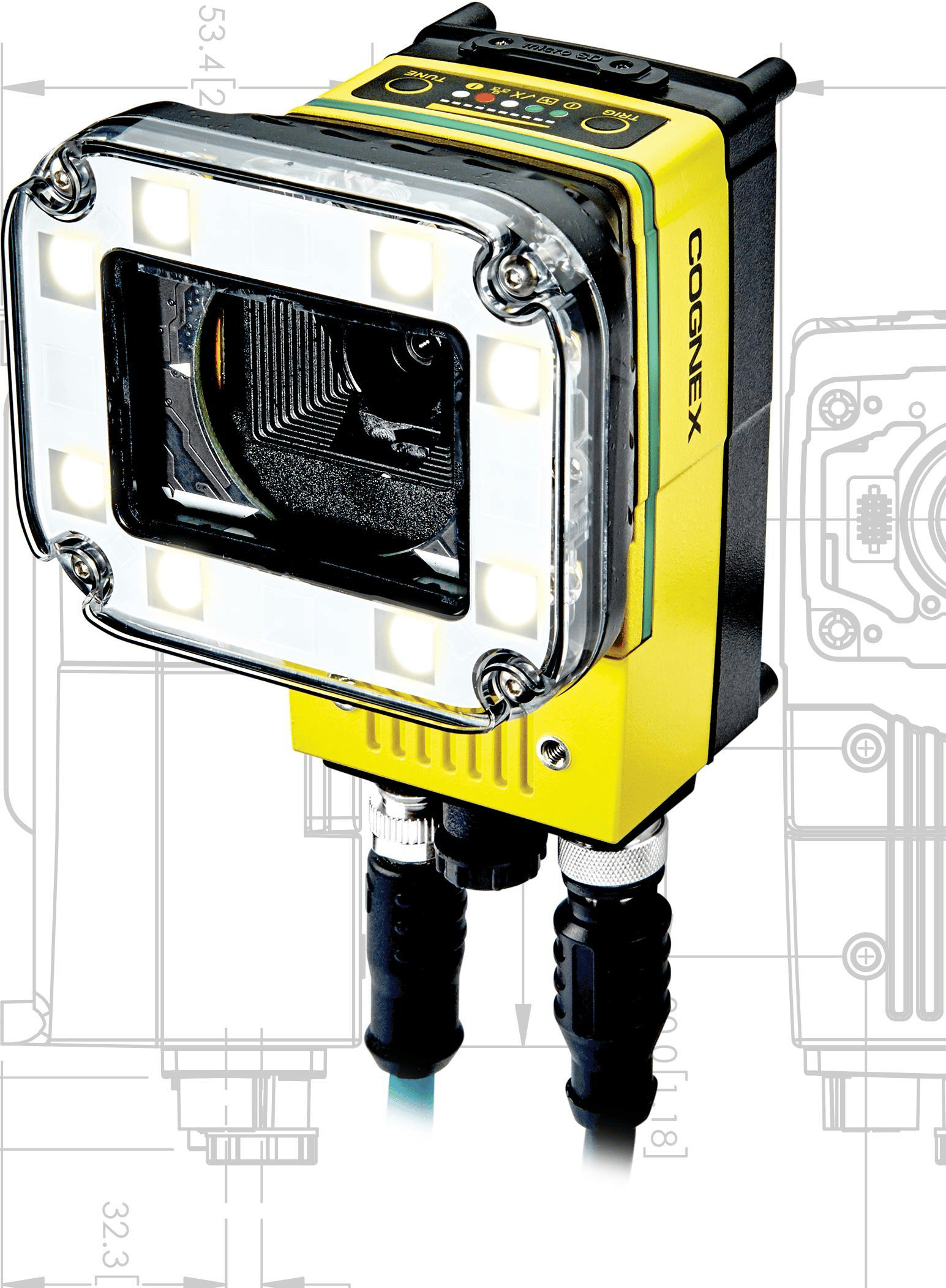
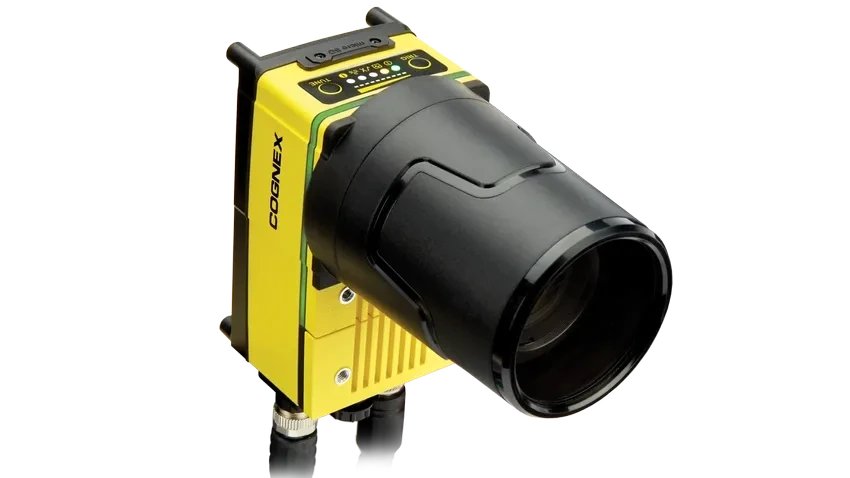
Smart vision family for high-resolution or line-scan inspection. Distinguish area-scan and line-scan models when selecting optics, lighting and triggering.
PRODUCT FEATURES
Features & configuration
01Design signal and communication interfaces linking inspection results to machine actions.
Build an image line by line from moving material
9902L builds a long image from lines captured along the direction of travel. Match encoder pulses and line spacing to the distance moved. Compare the 9912 area-scan model when the inspection needs one wide image at a time.
Feature reference · COGNEX
- Travel and encoder
- 9902L line scan
- Continuous material image
- Type
- Area-scan / line-scan vision systems
- Lens interface
- C-mount · model dependent
- Engineering environment
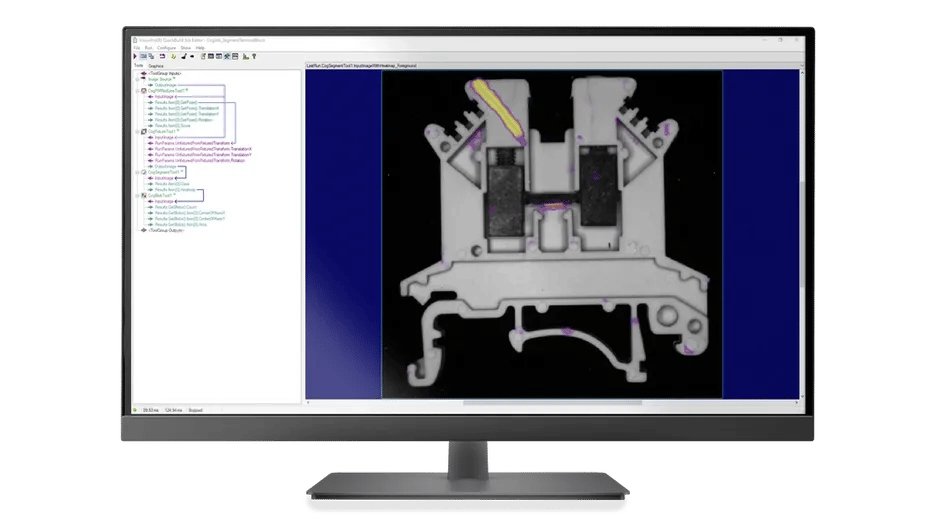
- In-Sight Explorer
SPECIFICATIONS & SELECTION
Specifications & selection
Read model scope, units and conditions together with the values.
Manufacturer performance specifications
| Model | Resolution (px) | Acquisition |
|---|---|---|
| 9902L | 2,048 × 16,384 | Line scan · 1,024 px width in low-light mode |
| 9912 / 9912C | 4,096 × 3,000 | Area scan |
How to read the performance figures
9902L assembles images line by line as material moves. At 2,048 px width, the default height is 4,096 lines and the maximum is 16,384. The 9912 captures 4,096 × 3,000 area images. Encoder pulses and line spacing determine the 9902L resolution along travel.
- Field of view and feature size
- Divide the field width by the horizontal pixel count to estimate object size per pixel. Verify detection margin with production samples using the intended lens, working distance, contrast and motion.
- Acquisition speed and decision time
- Maximum frame rate describes image acquisition under specified conditions. Allow for exposure, tool execution and PLC result transfer when checking the required decision time.
Performance reference · Cognex · In-Sight 9000 Series Vision System Reference Guide / AcquireImage
| Item | Specification |
|---|---|
| Type | Area-scan / line-scan vision systems |
| Lens interface | C-mount · model dependent |
| Engineering environment | In-Sight Explorer |
| Inspection inputs | Part size, motion speed, encoder/trigger and exposure |
Reference: COGNEX · Checked 2026-10-27
What to check before selecting
- Use actual samples and defect criteria to assess field of view, lens/lighting, working distance and triggering.
- Resolution alone does not determine detection performance. Test minimum feature size, motion, exposure, processing time and PLC integration.
DOWNLOAD CENTER
Resources
Manufacturer catalogues, manuals and 2D/3D drawings.
Loading documents…
EXPLORE PRODUCTS
Explore related products