COGNEX
Vision & code readers
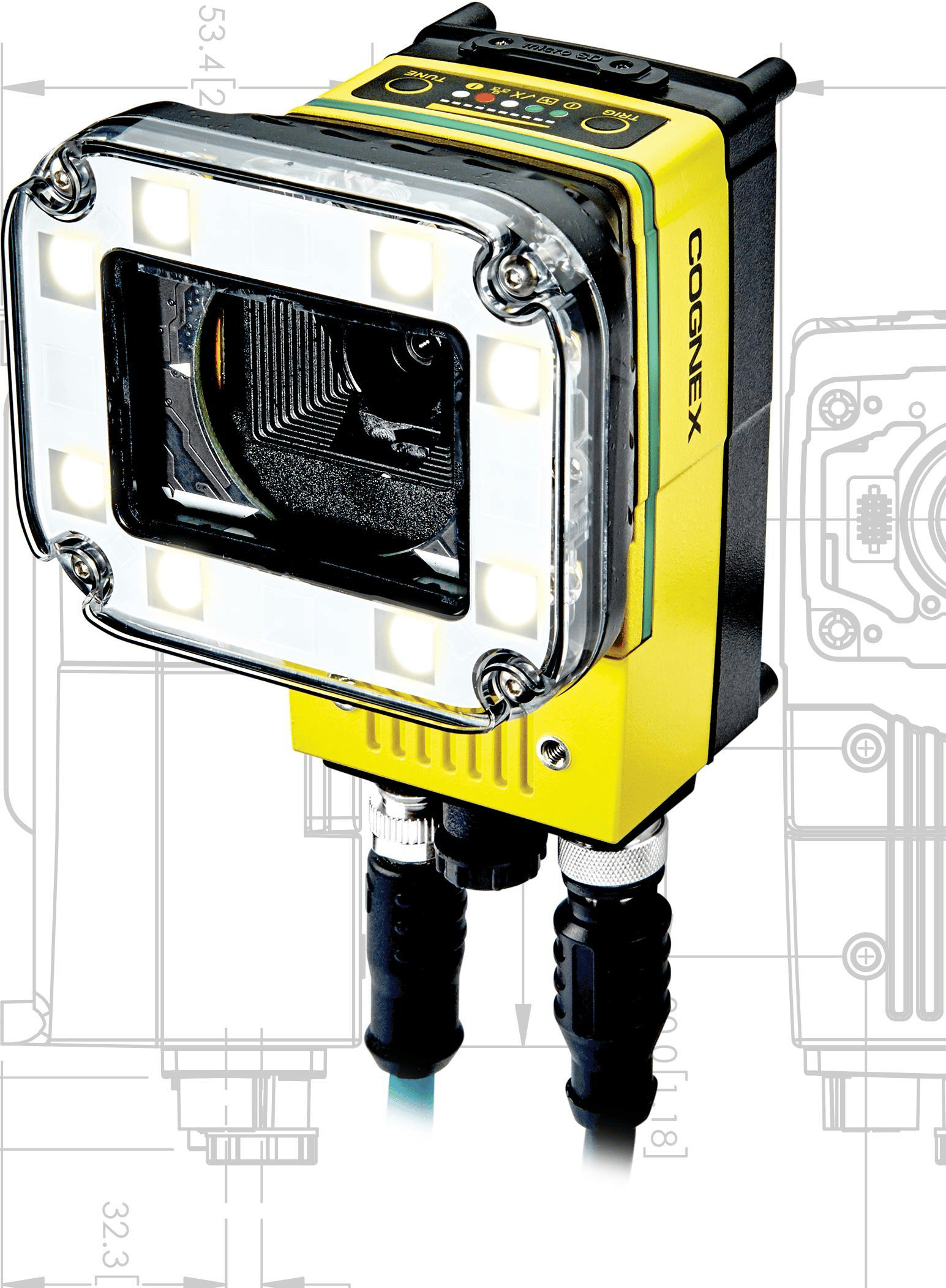
In-Sight 7000
- Type
- Smart vision system
- Optics
- C-mount and other options · model dependent
- Engineering environment
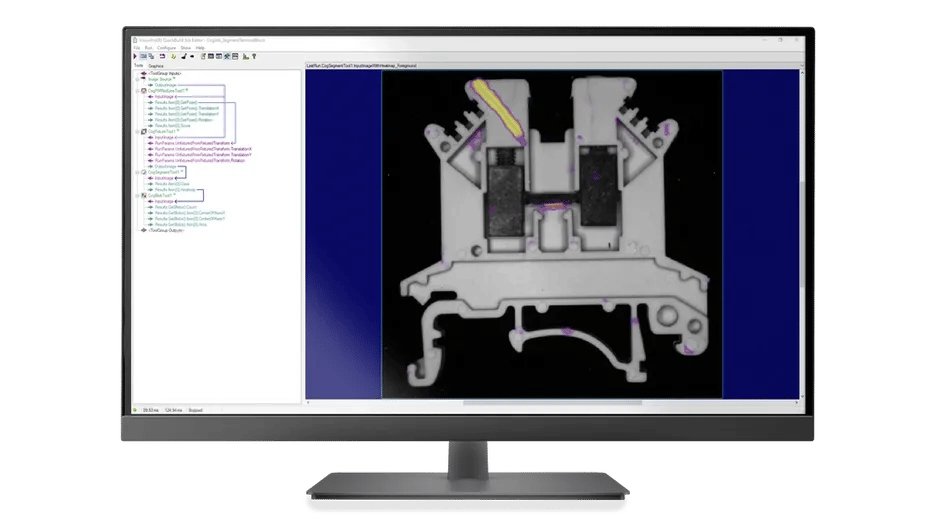
- In-Sight Explorer
- Lighting
- Integrated / external illumination · model/option dependent
Price, supply and delivery are confirmed after checking the exact model.
PRODUCT OVERVIEW
Introducing In-Sight 7000
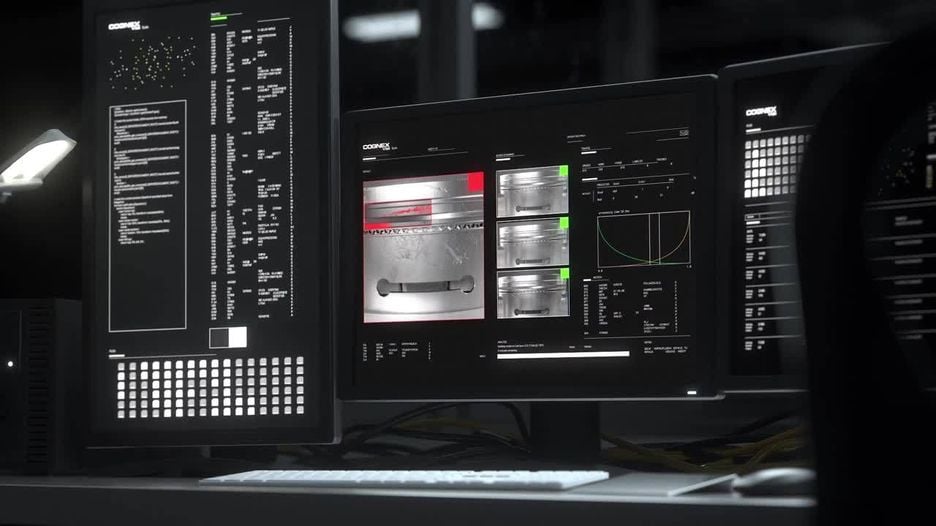
Modular vision-system family for positioning, appearance inspection and measurement. Match the sensor, optics and illumination to working distance and the inspected part.
PRODUCT FEATURES
Features & configuration
01Design signal and communication interfaces linking inspection results to machine actions.
Use optics and lighting to separate inspection features
Choose optics and lighting suited to the part surface or geometry so the feature stands out from its background. For replacements, confirm lens and light compatibility and frame rate for the specific 7000 generation.
Feature reference · COGNEX
- Lighting and lens
- In-Sight 7000 capture
- Feature contrast
- Type
- Smart vision system
- Optics
- C-mount and other options · model dependent
- Engineering environment
- In-Sight Explorer
SPECIFICATIONS & SELECTION
Specifications & selection
Read model scope, units and conditions together with the values.
Manufacturer performance specifications
| Model | Resolution (px) | Max. acquisition (fps) | Generation |
|---|---|---|---|
| 7400 | 800 × 600 | 102 | Gen 1 monochrome |
| 7402 | 1,280 × 1,024 | 60 | Gen 1 monochrome |
| 7800 | 800 × 600 | 165 | Gen 2 monochrome |
| 7801 | 1,280 × 1,024 | 76 | Gen 2 monochrome |
| 7802 | 1,600 × 1,200 | 53 | Gen 2 monochrome |
How to read the performance figures
The 7000 generations have different sensors, lighting and acquisition limits. For example, the first-generation 7402 and second-generation 7801 both have 1,280 × 1,024 resolution, at 60 and 76 fps respectively in monochrome.
- Field of view and feature size
- Divide the field width by the horizontal pixel count to estimate object size per pixel. Verify detection margin with production samples using the intended lens, working distance, contrast and motion.
- Acquisition speed and decision time
- Maximum frame rate describes image acquisition under specified conditions. Allow for exposure, tool execution and PLC result transfer when checking the required decision time.
Performance reference · Cognex · In-Sight 7000 First and Second Generation Reference Guides
| Item | Specification |
|---|---|
| Type | Smart vision system |
| Optics | C-mount and other options · model dependent |
| Engineering environment | In-Sight Explorer |
| Lighting | Integrated / external illumination · model/option dependent |
Reference: COGNEX · Checked 2026-10-27
What to check before selecting
- Use actual samples and defect criteria to assess field of view, lens/lighting, working distance and triggering.
- Resolution alone does not determine detection performance. Test minimum feature size, motion, exposure, processing time and PLC integration.
DOWNLOAD CENTER
Resources
Manufacturer catalogues, manuals and 2D/3D drawings.
Loading documents…
EXPLORE PRODUCTS
Explore related products