COGNEX
Vision & code readers
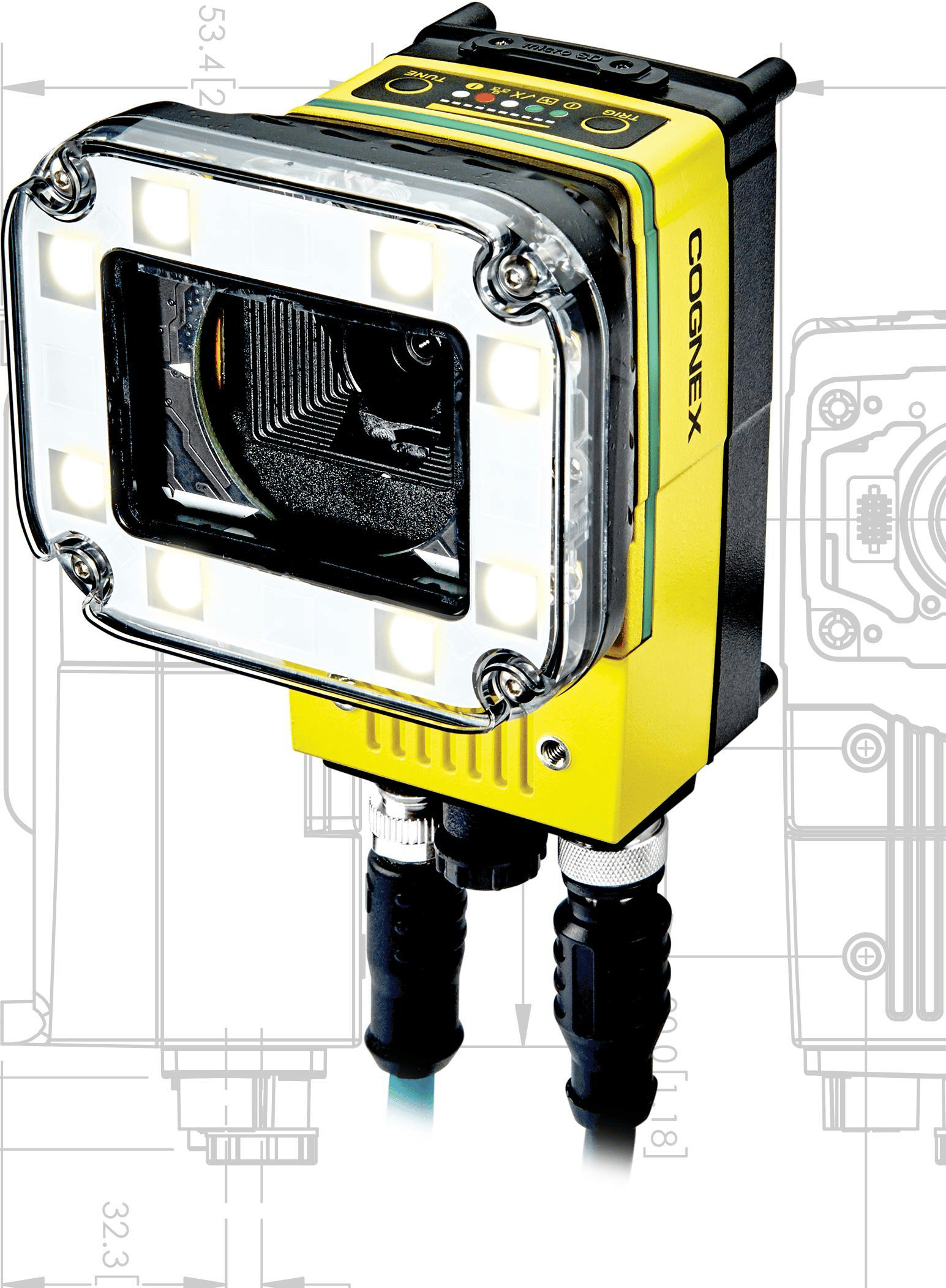
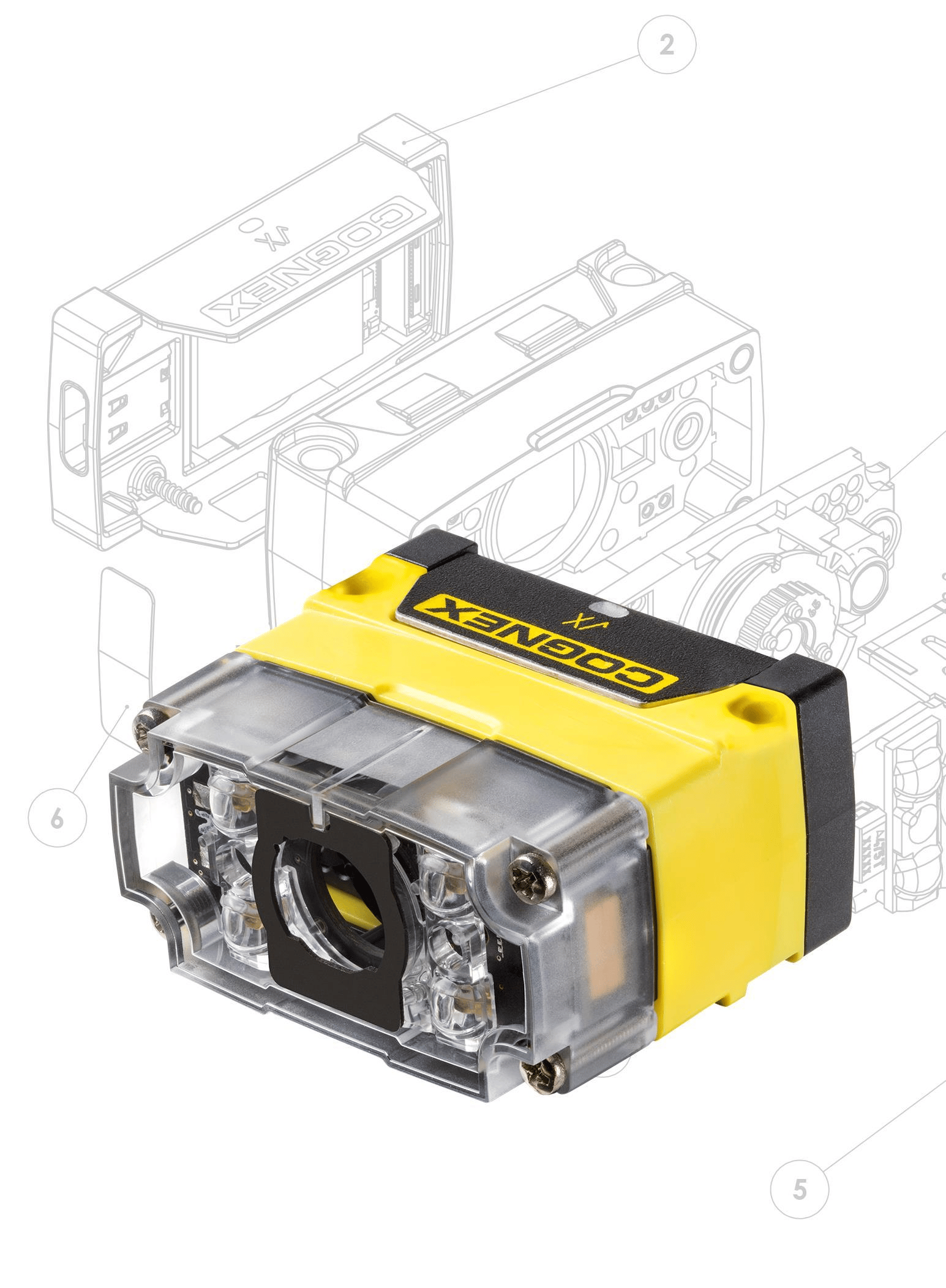
DataMan 70
- 70 image resolution
- 752 × 480 px
- 72 image resolution
- 1,280 × 960 px
- Lens
- S-mount 6.2 / 16 mm · model dependent
- Engineering environment
- DataMan Setup Tool
Price, supply and delivery are confirmed after checking the exact model.
PRODUCT OVERVIEW
Introducing DataMan 70
Compact fixed-mount family for label-based code reading. Review print quality, field of view, reading distance and orientation.
PRODUCT FEATURES
Features & configuration
01Design signal and communication interfaces linking inspection results to machine actions.
Set the read field with the lens and working distance
At the same distance, a shorter focal length covers more area and a longer focal length puts more pixels on a smaller area. Include both part-position variation and the actual code size.
Feature reference · COGNEX
- Code and distance
- 6.2 or 16 mm lens
- DataMan 70 decode
- 70 image resolution
- 752 × 480 px
- 72 image resolution
- 1,280 × 960 px
- Lens
- S-mount 6.2 / 16 mm · model dependent
SPECIFICATIONS & SELECTION
Specifications & selection
Read model scope, units and conditions together with the values.
Manufacturer performance specifications
| Model | Resolution (px) | Pixel size (µm) | Lens (mm) |
|---|---|---|---|
| DataMan 70 | 752 × 480 | 6.0 | S-mount 6.2 / 16 |
| DataMan 72 | 1,280 × 960 | 3.75 | S-mount 6.2 / 16 |
How to read the performance figures
The 70 and 72 have different pixel counts and pitches. A 16 mm lens narrows the field at the same distance compared with 6.2 mm. Check code size and part movement when setting reading distance.
- Field of view and feature size
- Divide the field width by the horizontal pixel count to estimate object size per pixel. Verify detection margin with production samples using the intended lens, working distance, contrast and motion.
- Acquisition speed and decision time
- Maximum frame rate describes image acquisition under specified conditions. Allow for exposure, tool execution and PLC result transfer when checking the required decision time.
Performance reference · Cognex · DataMan 70 Series Imager Specifications / Reading Distances and Field of View
| Item | Specification |
|---|---|
| 70 image resolution | 752 × 480 px |
| 72 image resolution | 1,280 × 960 px |
| Lens | S-mount 6.2 / 16 mm · model dependent |
| Engineering environment | DataMan Setup Tool |
Reference: COGNEX · Checked 2026-10-27
What to check before selecting
- Use actual samples and defect criteria to assess field of view, lens/lighting, working distance and triggering.
- Resolution alone does not determine detection performance. Test minimum feature size, motion, exposure, processing time and PLC integration.
DOWNLOAD CENTER
Resources
Manufacturer catalogues, manuals and 2D/3D drawings.
Loading documents…
EXPLORE PRODUCTS
Explore related products